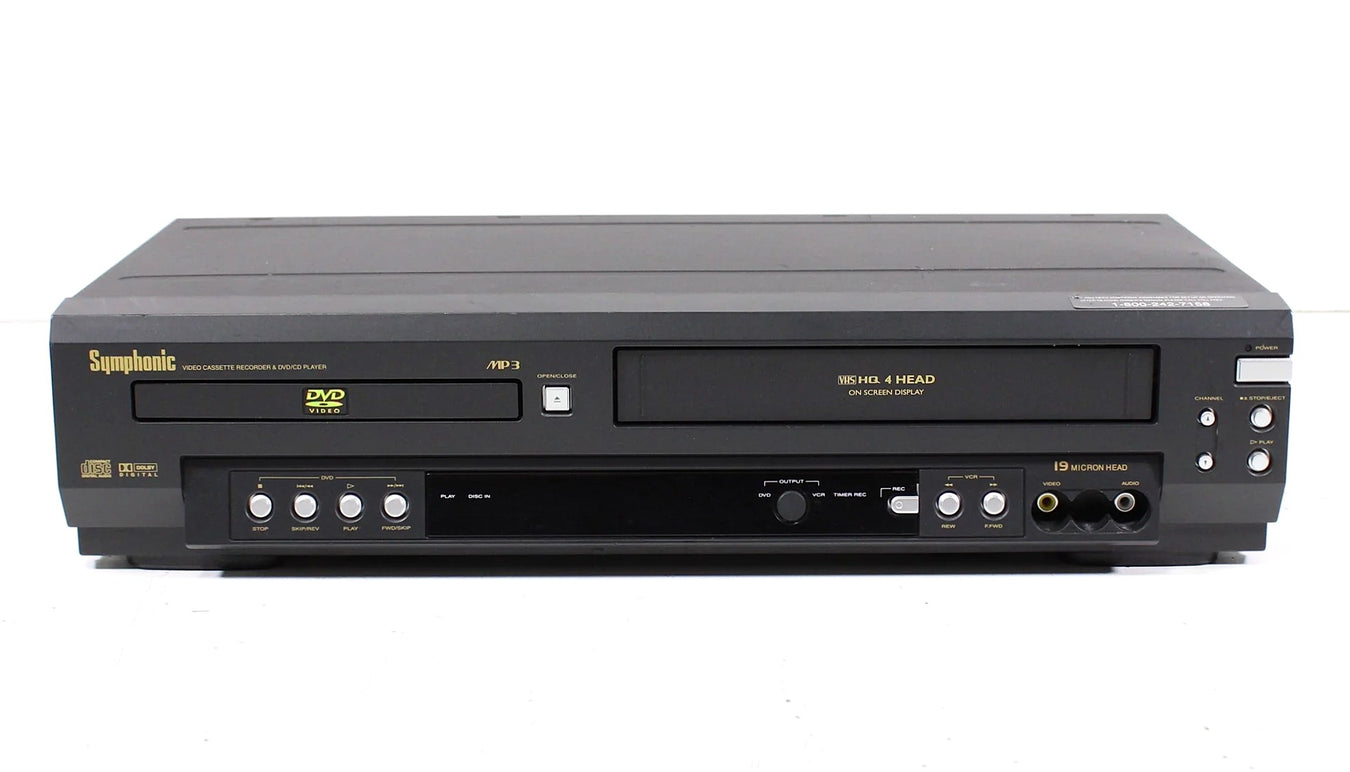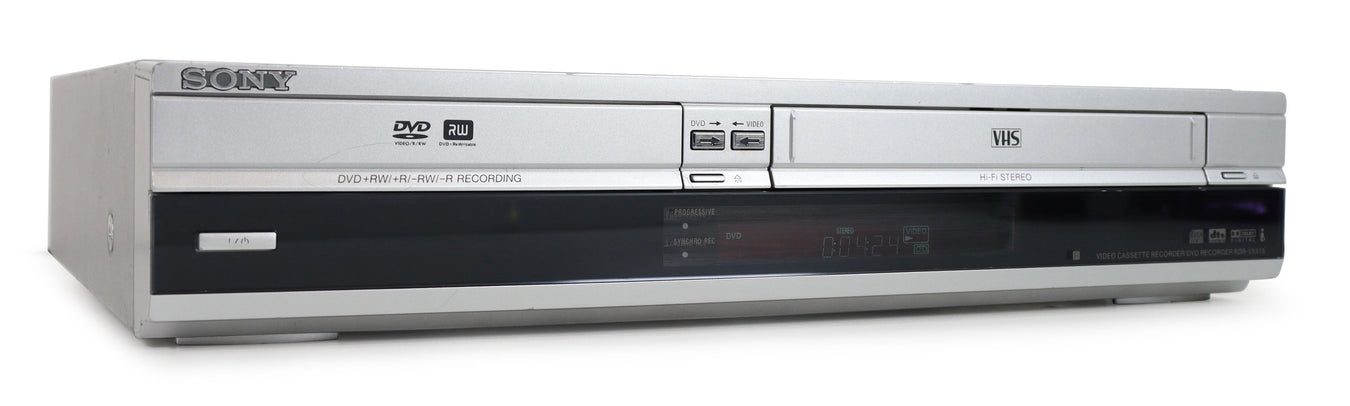


JVC DR-MV78U DVD to VHS Combo Recorder 2 Way Dubbing HDMI (With Remote)
How does this device work?
To set up your VHS to DVD recorder, just connect it to your TV, insert your tape and a blank recordable disc, then press “Copy” or "Dubbing". It will then begin copying. Lastly, finalize the disc. It is that easy!
What is a VHS to DVD Converter Recorder?
A VHS to DVD recorder offers quite a lot of value in one machine. They will, of course, allow you to transfer VHS tapes to DVD with minimum fuss, but they also function as DVD and VHS players. Plus, you can use it as a video cassette recorder, so you can record the news or a show from your TV right to a VHS tape.
Do you need HDMI?
If you are connecting the VHS to DVD recorder to a newer Smart TV, it is highly recommended that you get one with HDMI to eliminate compatibility issues.
Use this 2-in-1 VCR and DVD recorder to easily play your DVDs, CDs, and VHS tapes or record them. One of many great features the JVC DR-MV78U has 1080p Upconverting. This is the highest quality DVD playback available.
CONDITION
SPENCERTIFIED- Fully certified by Spencer
Refurbished and SPENCERTIFIED
Every function has been confirmed 100% working. The Disc Player and its lens have been cleaned.
The Disc Player has been tested and plays smoothly.
Cosmetic condition: Very Good.
Functional Condition: Works Like New .
What’s in The Box?
- JVC DR-MV78U DVD/VHS Combo Recorder
- Factory Remote
- Batteries
- Audio/Video Cables